English
 ไทย


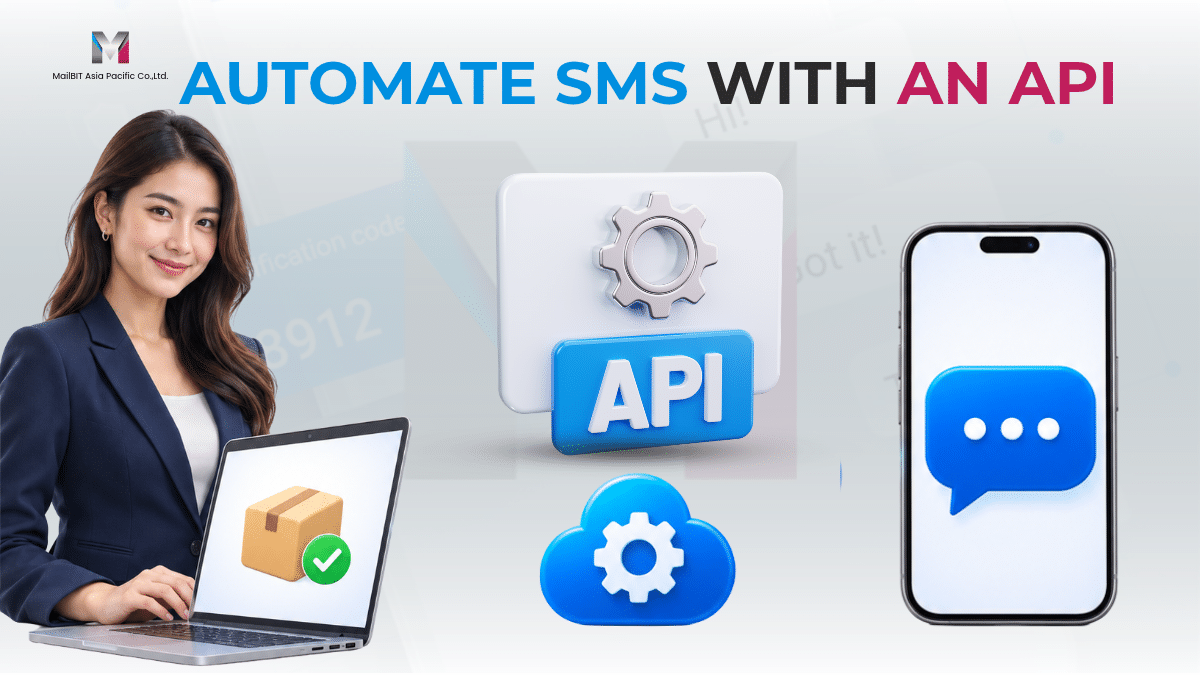
When a customer pays for an order, your store can automatically send a confirmation text. When the parcel leaves the warehouse, the same system can send a shipping update. Your team spends less time sending individual messages, and customers receive updates as their orders progress.
To send automated SMS via API, connect your website, app, or back-office system to a business SMS service. When an event you’ve configured occurs, your system asks the SMS provider to send a message to the customer’s mobile number.
What Is an SMS API?
An SMS API lets software send text messages and check their delivery status. For example, once an online store confirms a payment, it can use the customer’s mobile number and order reference to prepare a confirmation message and send it through an SMS API integration.
The SMS gateway receives the request from your application and routes the message to a mobile network. This type of messaging is called application-to-person SMS, or A2P SMS.
How Does Automated SMS Work?
- Your system detects an event. A payment is confirmed, an order ships, or an appointment reminder becomes due.
- Your system prepares the message. It selects the recipient’s mobile number, the sender name, and the message template for that event.
- Your system calls the SMS API. When MailBIT accepts the submission, it returns a unique Message ID.
- Your system checks the delivery status. Use the Message ID to query the status or receive updates through an HTTP callback if it’s enabled for your account.
For request formats, response examples, and delivery status codes, see the MailBIT Core HTTP API documentation.
5 Ways Businesses Can Use an SMS API
| Use case | What triggers the text | Example SMS |
|---|---|---|
| Order confirmation | The store confirms the order | Your order A1042 is confirmed. View the details in your account. |
| Shipping update | The order status changes to shipped | Your order A1042 has shipped. Check your order page for the latest update. |
| Payment confirmation | The system confirms receipt of payment | We’ve received your payment for order A1042. Thank you! |
| Appointment reminder | The scheduled reminder time arrives | Reminder: Your appointment is on November 20 at 10:00 a.m. Please contact us if you need to reschedule. |
| OTP verification | A user requests to verify their mobile number | Your verification code is 583926. Do not share this code with anyone. |
Online stores and service businesses can use automated SMS notifications to keep customers informed about orders, payments, and appointments. For mobile number verification, a business SMS OTP service delivers the code generated by your application. Your application manages when the code expires and verifies the code the user enters.
When Should You Use an SMS API or a Web SMS Platform?
| Sending method | Best suited to | Example |
|---|---|---|
| SMS API | Messages triggered by events in a website, app, or internal system | Send a payment confirmation or verification code automatically |
| Web SMS platform | Campaigns your team prepares and manages through a browser | Send a monthly announcement or a promotion to subscribers |
MailBIT offers both an API and a web SMS platform. Your development team can manage automated notifications through the API, while your marketing team can prepare and send campaigns through the web platform.
What Do You Need to Set Up an SMS API Integration?
- Define the trigger. For example, send one payment confirmation per order after your system has confirmed payment.
- Prepare recipient details and a sender name. Check the mobile number format and confirm the Sender ID requirements for your destination.
- Store API credentials on the server. Use HTTPS in production as described in the SMS API integration guide.
- Save the Message ID with the corresponding record. Link it to the order, appointment, or account event so your team can check SMS delivery reports when following up.
- Test duplicate events and delayed responses. Check how your system handles the same payment event arriving twice or an API request timing out, so customers receive the intended number of messages.
Frequently Asked Questions About SMS APIs
What systems can connect to an SMS API?
Websites, mobile apps, and back-office platforms such as order management systems, booking systems, and CRMs can connect if they support HTTP requests directly or through an integration.
Does a Message ID mean the customer received the SMS?
A Message ID means the API accepted your submission and assigned it a tracking reference. Use the delivery report (DLR) to check the delivery status. Standard SMS delivery reports don’t show whether the recipient opened or read the message.
Can I track SMS delivery automatically?
Yes. MailBIT supports delivery status queries using the Message ID and HTTP callbacks when enabled for your account. Your team can use these updates to record delivery results in your own system.
Can I use an SMS API alongside Bulk SMS?
Yes. Use the API for event-triggered messages such as order confirmations, and a Bulk SMS service for campaigns such as seasonal promotions sent to subscribers.
Start Sending Automated SMS with MailBIT
Start with one message your team sends regularly, such as an order confirmation. Decide what triggers the message, who receives it, and how your team will check delivery. Once that workflow is tested, you can use the same approach for shipping updates, appointment reminders, or OTP delivery.
Contact MailBIT Asia Pacific to discuss your SMS API integration and messaging requirements.
📱 LINE @MailBIT
📞 Phone 02-237-7778 or 081-300-0958 (Bangkok, Thailand)
🌐 Website www.mailbit.co.th
#MailBIT #SMSAPI #AutomatedSMS #BusinessSMS #SMSGateway